Premium Economic Calendar
Start trading news like the pros with our pro economic calendar.
Find out more >
Explore global markets, follow trading strategies and monitor live market data from one streamlined platform. You remain in control of your account, risk settings and decisions.
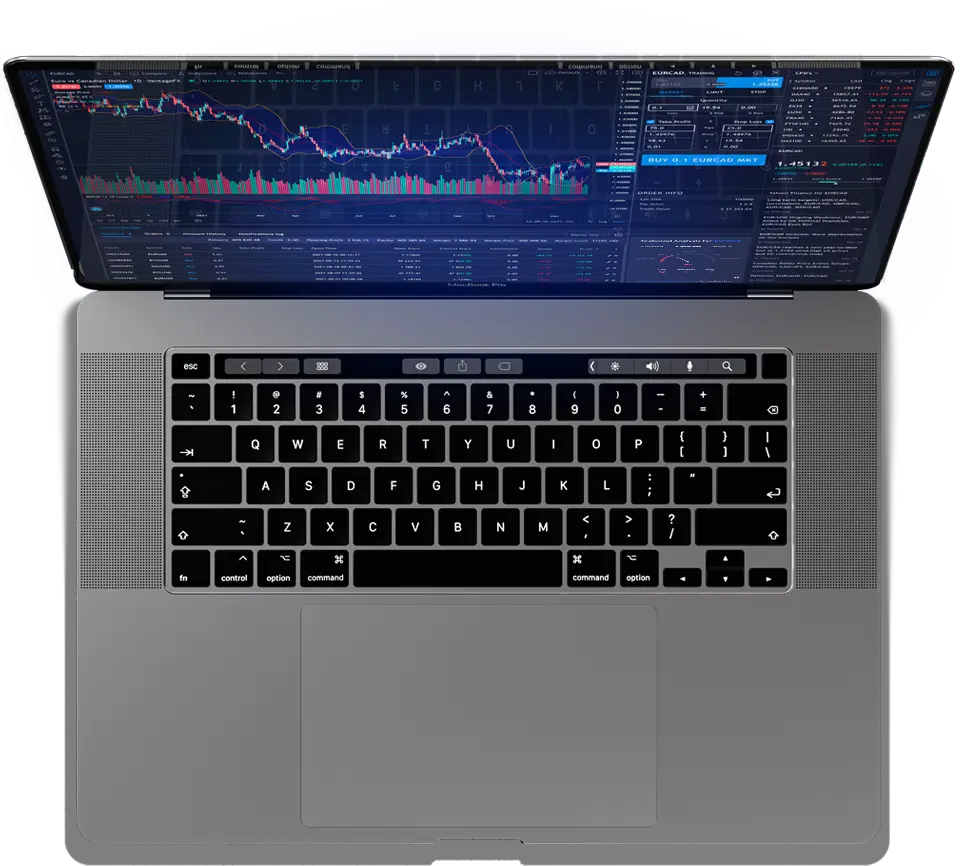
Start trading news like the pros with our pro economic calendar.
Find out more >Access live trading setups based on pattern recognition and expert analysis.
Find out more >Unlock live trading ideas with three EAs for your MT4 and MT5 platform.
Find out more >Gain live market-moving insights across more than 35,000 tradable assets.
Find out more >Access daily trading ideas and technical setups in real-time.
Find out more >Get a 50% Cashback Bonus that converts to cash when you trade.
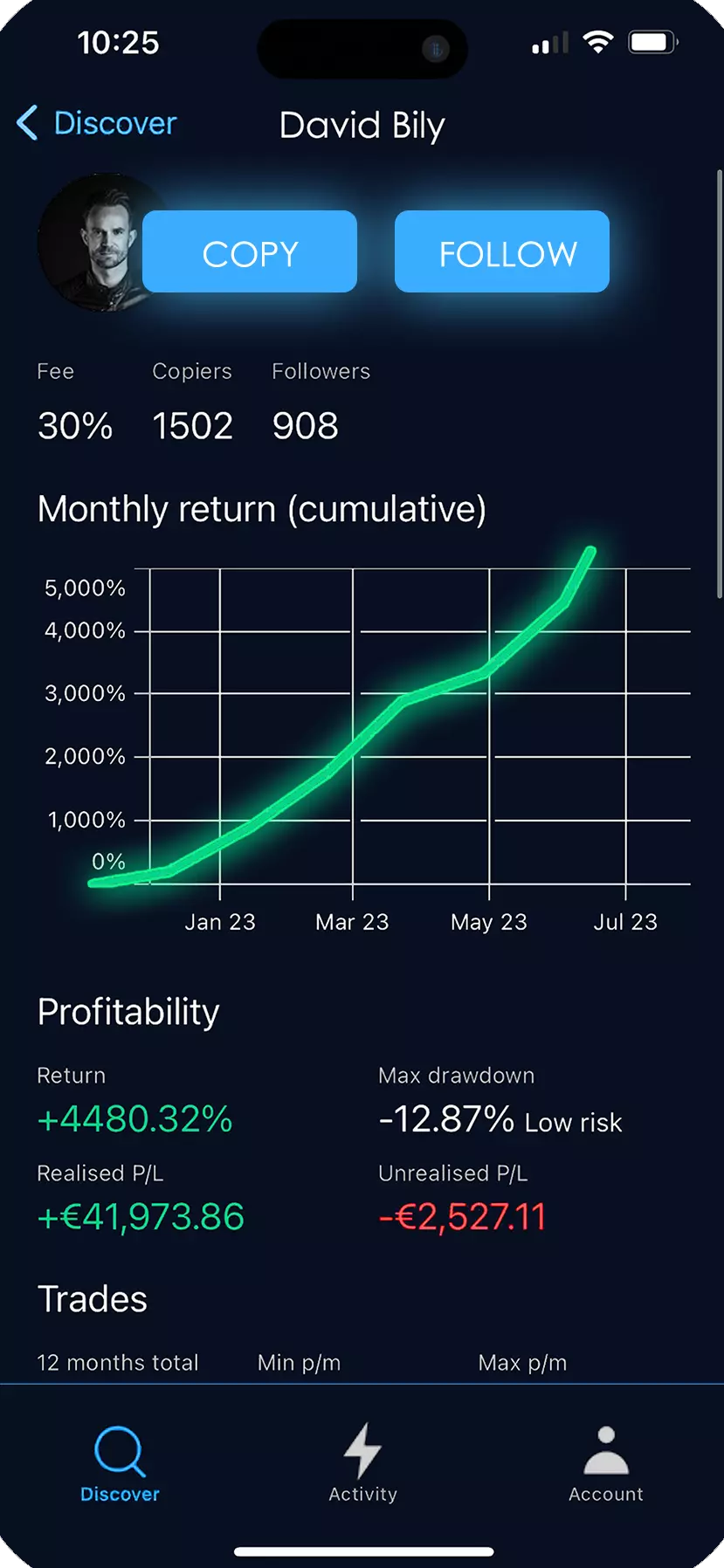
Find out more >Our Copy Trading gives you the ability to follow selected strategies or publish your own strategy for other users to follow.
Explore a streamlined copy-trading experience built to help you review strategies, choose your preferred risk settings and keep control of your own account while monitoring activity in one place.
Start Copying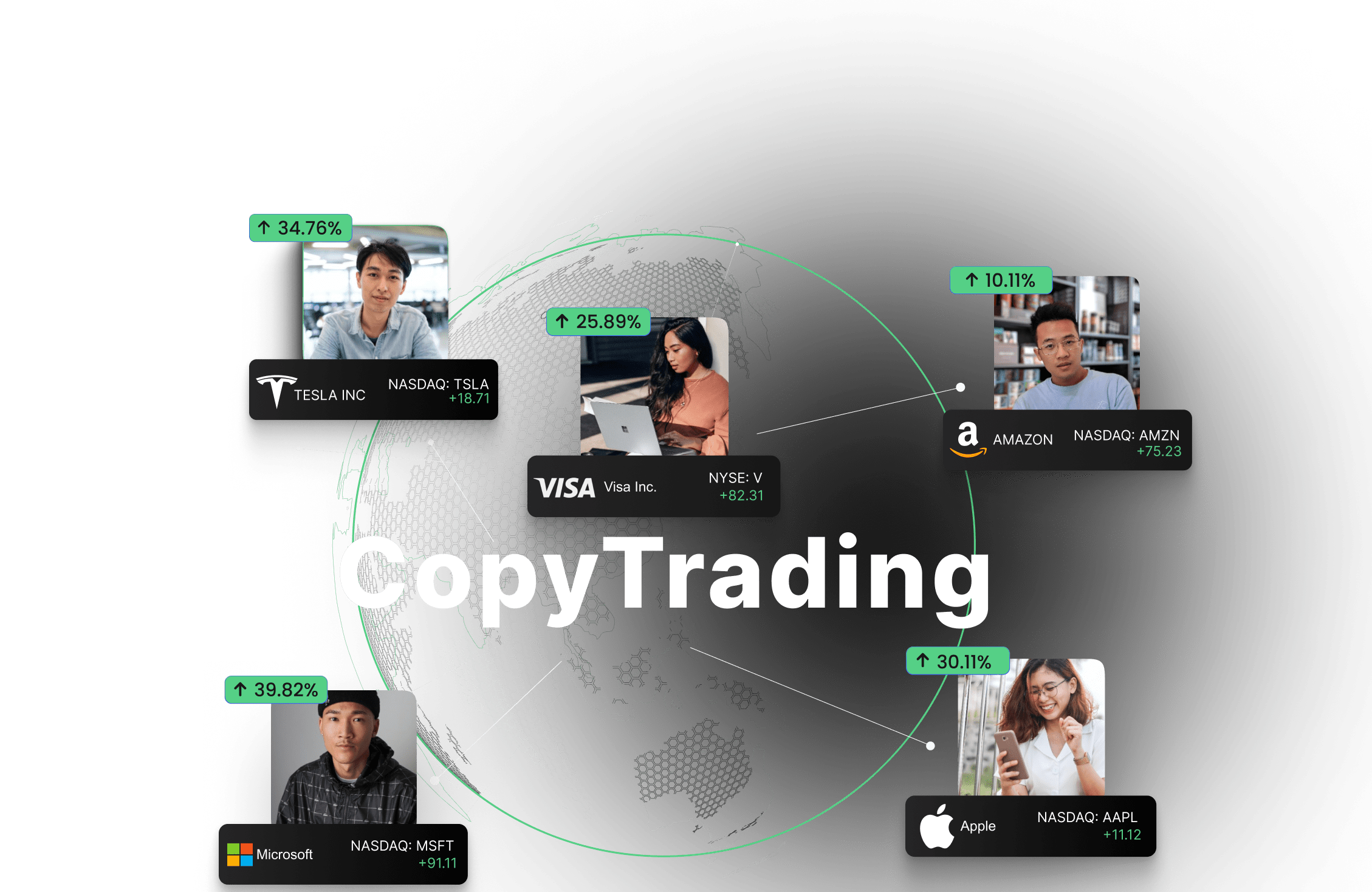
Enroll, connect, and start copying traders in 12 languages.
Challenge friends or use the “inverse” trade feature on losing traders.
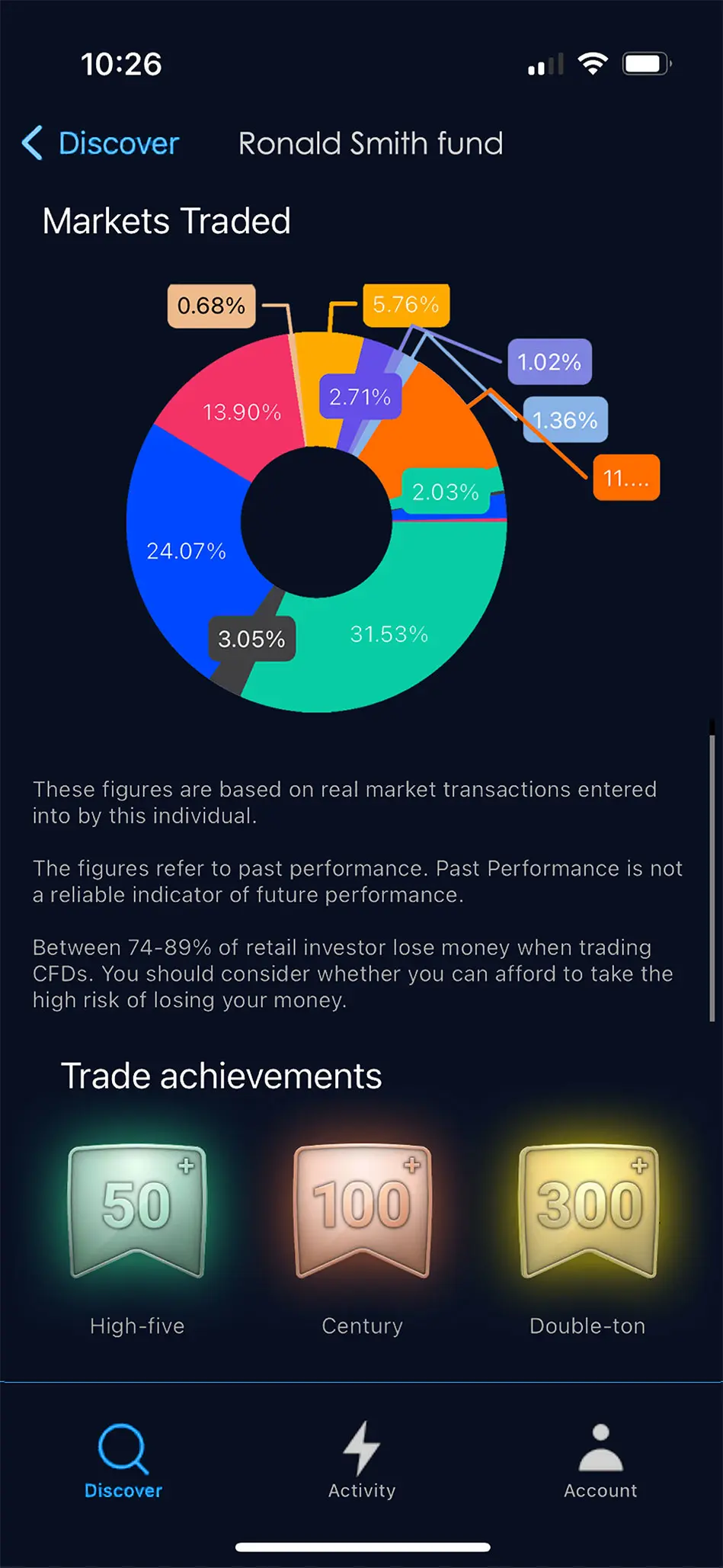
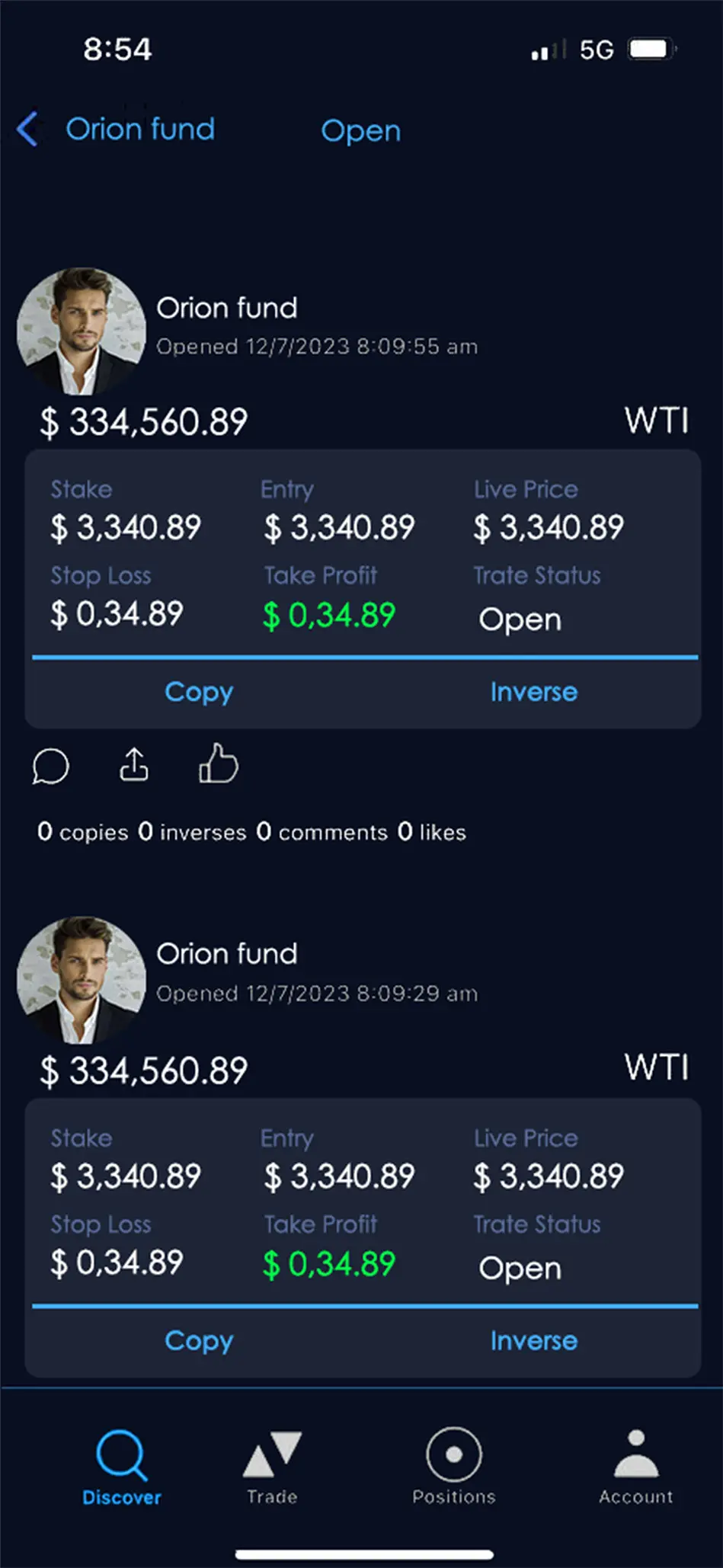
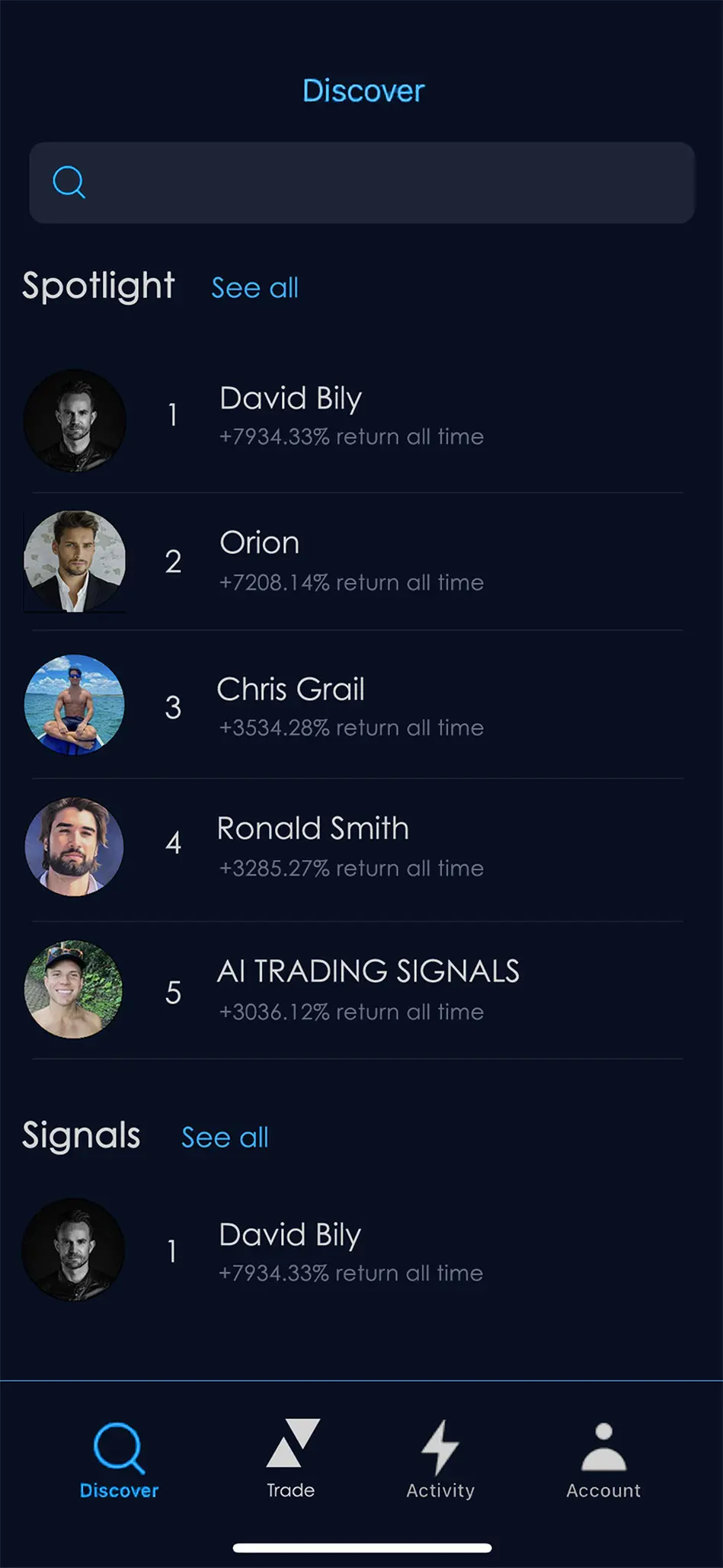
Join a large trading community to chat, share strategies, and trade together.
Follow top traders with live PnL reporting or become a signal provider.
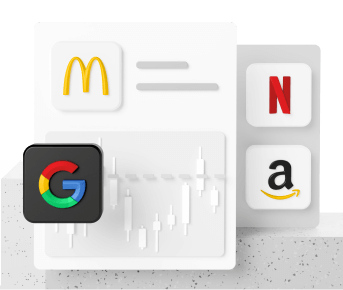
2100+ securities from EU and USA
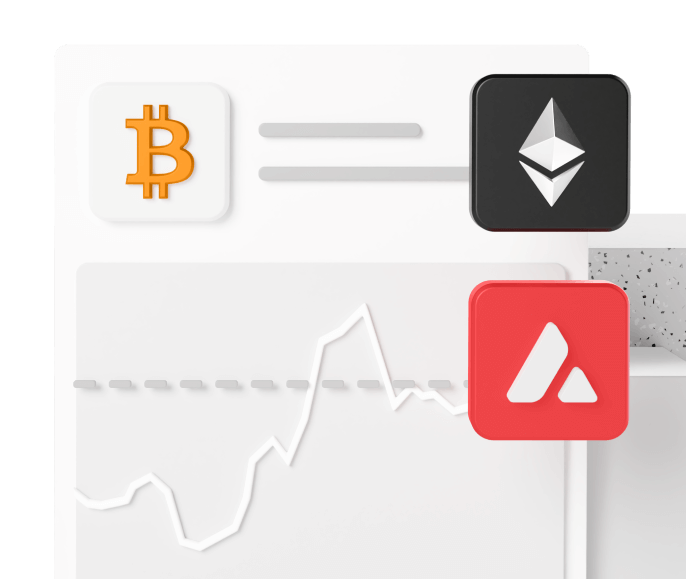
40+ crypto CFDs BTC, ETH and more
130+ leveraged CFD instruments
Live data below is provided by TradingView. Availability and delays can vary by exchange and instrument.
Markets move fast. Use an integrated TradingView workspace to study price action, switch between markets and keep technical tools close at hand.
Stay aware of scheduled releases that can affect currencies, indices, rates and broader market volatility.
Compare major currency relationships in one real-time table.
Scan listed stocks using TradingView's market screener and switch markets directly within the widget.
Copy Trading can spare you the task of building every strategy from scratch. Review available strategies, compare their history and choose the approach that fits your own objectives and risk tolerance.
Start by reviewing strategy information before you follow it.
Strategy providers can publish their approach for other users to follow. The platform is designed to support knowledge-sharing while keeping account settings and strategy information visible.
Share a strategy only when its risks and methodology are clear.
Register, fund and access the trading environment from a streamlined account workflow.
Open an account and complete the required setup steps.
Fund your account using the supported funding methods available in your client area.
Access available instruments, market data and copy-trading tools from your account.
Illustrative profile cards below show how verified client feedback can be presented. Replace these profiles with verified feedback before treating them as actual client testimonials.
“The dashboard is straightforward to navigate, and having market tools in one place makes it easier to keep track of what I am watching.”
“I like the clean presentation of the market data and the way the account controls are organized without making the interface feel crowded.”
“The responsive layout works well for checking markets from my phone, while the desktop view gives me more room for the TradingView tools.”
Use multi-level account security, verification controls and account-access protection where supported.
Submit withdrawal requests and follow their status from your account area. Processing times depend on the payment method and account checks.
Partner features can support referrals and account growth when available under the platform's terms.
Complete required identity and account verification through a streamlined workflow.
Review any active promotions and bonuses in the client area together with their eligibility rules and terms.
Fund your account, access available markets and use the platform's trading and copy-trading tools. Any bonus or promotion should be checked against its current terms before use.
Long-position strategies seek to benefit when market prices rise, but losses are possible if the market moves the other way.
Short-position strategies seek to benefit when market prices fall, but adverse price movements can still create losses.
Trading leveraged products is risky and is not suitable for everyone. Market direction cannot be guaranteed.
Wherever you are, use a responsive account experience for market research, advanced charting and fast account access.